Last updated: July 14, 2026 | By Richard Hale
Poor desk setup is one of the most consistent contributors to neck and back pain in adults who work at computers for several hours a day. The good news is that the adjustments with the largest impact are simple and cost nothing, monitor height, chair positioning, and regular movement breaks. The evidence is clear that posture alone is not the problem; sustained static posture in a poorly set-up workspace is.
If desk-related tension has already settled into your neck and upper shoulders, an at-home therapy device can ease the symptoms while you fix the setup. Our Hewelth ReliefChain review looks at one hands-free option that combines heat with electrical stimulation.
This content is for educational purposes only and is not medical advice. If you have existing spinal conditions such as disc herniation or spinal stenosis, consult a physiotherapist or occupational health professional before making significant changes to your workstation setup.
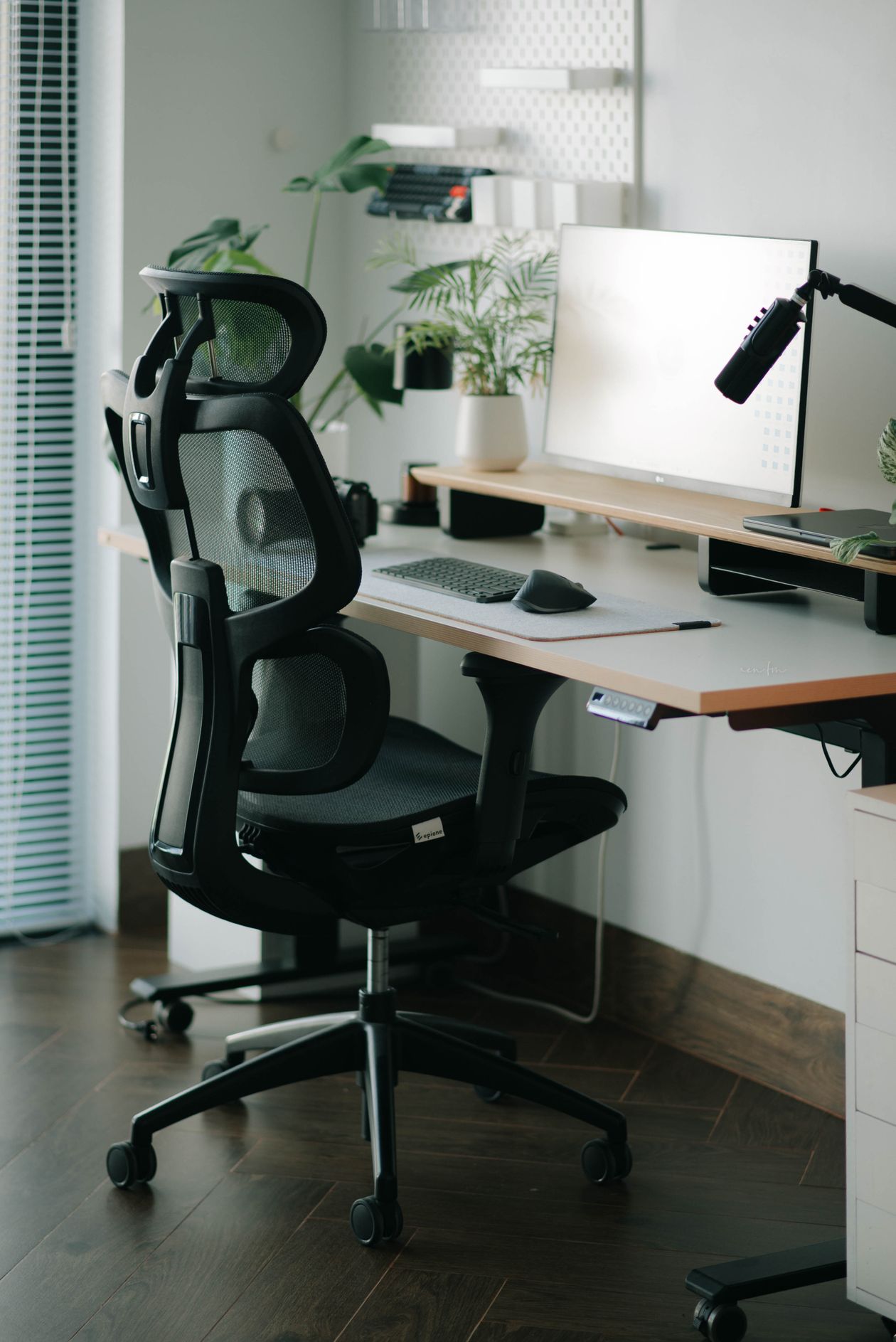
Table of Contents
- Why Sitting Posture Matters More After 40
- Monitor Height and Distance
- Chair Height, Seat Depth, and Lumbar Support
- Keyboard, Mouse, and Arm Position
- The Movement Imperative: Breaking Up Sitting
- Quick Ergonomic Setup Checklist
- Frequently Asked Questions
Why Sitting Posture Matters More After 40
The intervertebral discs of the lumbar spine are under their highest compressive load when sitting, approximately 40% more than standing, and 300% more than lying down. Over time, discs lose water content and become less effective at distributing this load. After 40, disc hydration decreases noticeably, and the cumulative effect of years of poor sitting posture becomes increasingly apparent in the form of low back pain, disc irritation, and referred leg symptoms.
The cervical spine (neck) is similarly vulnerable. Forward head posture (the position most people adopt unconsciously at a desk) places significant additional load on the cervical discs and the muscles of the upper back and neck. A head carried 2.5 inches forward of neutral increases the effective weight the neck must support from approximately 12 pounds to 42 pounds. Over an 8-hour workday, this cumulative load on cervical structures explains why desk workers so commonly develop upper trapezius tightness, suboccipital headaches, and cervical disc problems.
Monitor Height and Distance
Monitor height is the most important and most frequently incorrect ergonomic variable. The top of your monitor screen should be at or just below eye level when you are sitting upright. Most people’s monitors are too low, causing them to look downward, which places the head in the forward and downward position that loads the cervical spine.
If you use a laptop as your primary screen, the screen will always be too low when the keyboard is at a comfortable height, the two cannot be correct simultaneously. The solution is an external keyboard and mouse with the laptop elevated on a stand or monitor arm to bring the screen to eye level. Using a laptop without this accommodation for extended periods is ergonomically problematic regardless of how “good” your posture is.
Monitor distance should be approximately arm’s length away, 20-30 inches from your eyes, depending on the screen size. At this distance, you should be able to read text comfortably without leaning forward. If you find yourself reaching toward the screen to read, the font size is too small, not the distance too great, increase font size rather than moving closer.
Chair Height, Seat Depth, and Lumbar Support
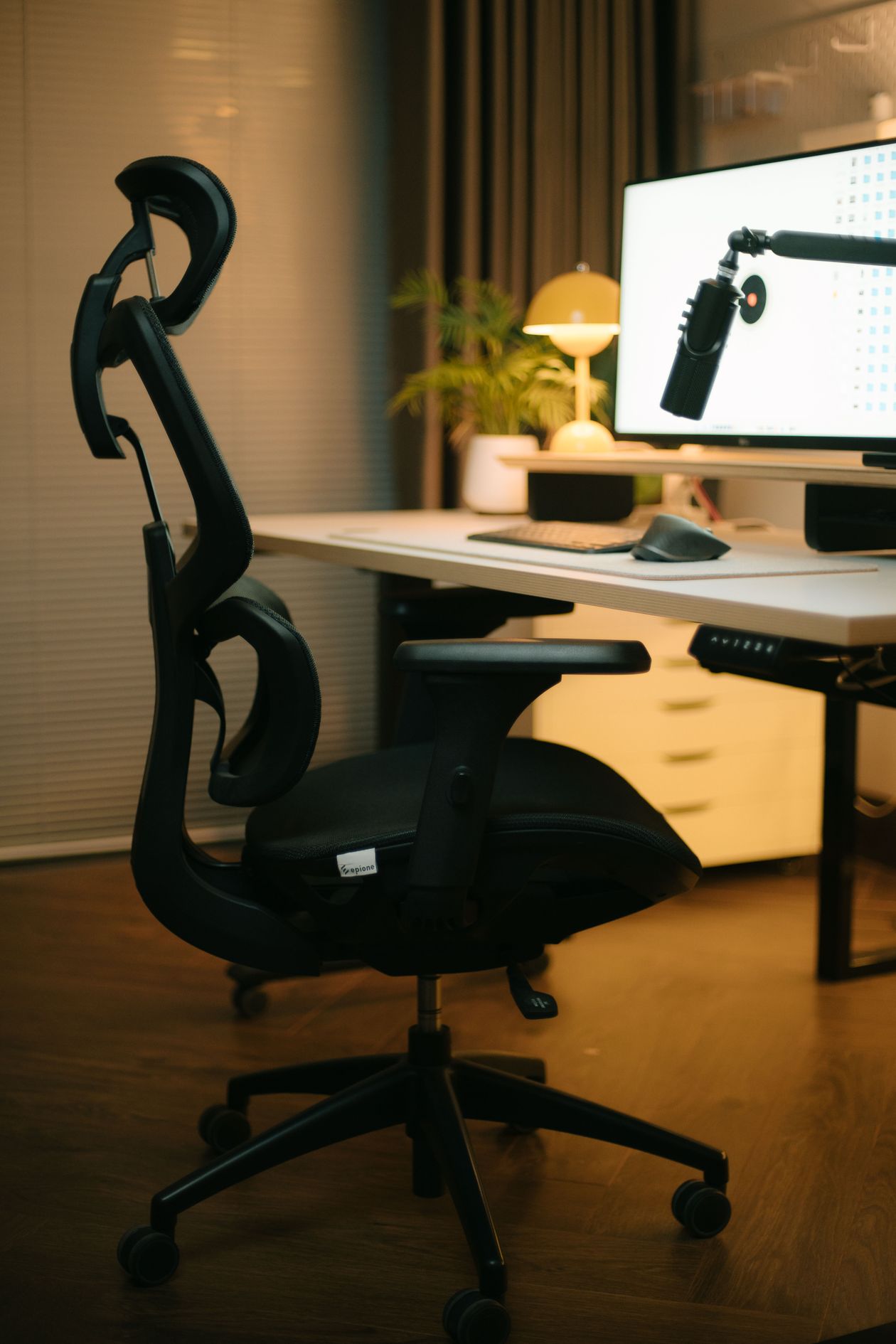
Chair height should allow your feet to rest flat on the floor with your knees at approximately 90 degrees and your thighs parallel to the floor. If your chair is too high, your feet dangle and pressure concentrates under your thighs, reducing circulation to the lower leg and increasing hip flexor tension. If too low, your knees are higher than your hips, which forces the lumbar spine into flexion.
Seat depth (front to back) should allow 2-3 finger widths of space between the front edge of the seat and the back of your knee. A seat that is too deep forces you to either sit forward (losing back support) or press the seat pan into the back of your knees. Many office chairs are too deep for shorter individuals.
Lumbar support should be positioned to fill the curve of your lower back (the lordosis) at approximately the level of your belt. Support that is too high pushes the thoracic spine forward. Support that is too low provides no benefit. A rolled towel or lumbar cushion attached to the chair can replicate the function of a dedicated lumbar support feature if your chair lacks one.
A one-piece seat-and-back cushion does the same job as a rolled towel plus a seat pad, in a single moulded shape. Our Hewelth LumboCare Pro review walks through one of these, including when a chair that already has good lumbar support makes it redundant.
Keyboard, Mouse, and Arm Position
Your keyboard and mouse should be positioned so your elbows are at approximately 90-110 degrees of flexion, with your forearms roughly parallel to the floor or slightly downsloped. Reaching forward (arms extended) or reaching up (keyboard too high) both increase strain on the shoulder girdle and neck muscles over time.
The mouse should be immediately to the side of the keyboard without requiring reaching. Reaching for a mouse that is too far away is one of the most consistent contributors to shoulder and forearm pain in computer workers. A compact keyboard without a number pad (or moving the number pad to the left) reduces mouse reach distance significantly.
Keyboard trays mounted below the desktop surface can be useful for people who cannot lower their desk to bring the keyboard to elbow height, though they require a dedicated setup to avoid angle problems of their own.
The Movement Imperative: Breaking Up Sitting
The most evidence-based intervention for desk-related musculoskeletal pain is not any specific ergonomic adjustment, it is regular movement breaks. Regardless of how good your chair, monitor, and keyboard position are, sustained static posture for more than 20-30 minutes is problematic. The intervertebral discs require movement to exchange nutrients (they have no direct blood supply) and the static muscle contraction required to maintain any seated position becomes painful and damaging when sustained without relief.
The 20-8-2 principle provides a practical framework: every 30-minute block, spend approximately 20 minutes sitting, 8 minutes standing, and 2 minutes moving. This ratio emerged from research on the optimal alternation between sitting and standing to minimize musculoskeletal symptoms. The “2 minutes moving” component is critical and often omitted when people add standing desks, simply standing in place for hours does not provide the disc nutrition and muscle relief that walking provides.
Simple timers, phone reminders, or dedicated software (like Stretchly) can make the movement break habit automatic rather than dependent on remembering. The evidence strongly favors brief, frequent movement interruptions over single extended breaks at lunchtime.
Quick Ergonomic Setup Checklist
- Monitor: top of screen at or just below eye level; arm’s length away; directly in front (not angled)
- Chair height: feet flat on floor, knees at 90 degrees, thighs parallel to floor
- Lumbar support: positioned to support the natural inward curve of the lower back
- Keyboard: elbows at 90-110 degrees, forearms roughly parallel to floor
- Mouse: immediately adjacent to keyboard, no reaching required
- Movement: stand or move at minimum every 30 minutes
- Laptop users: external keyboard + mouse + screen elevated to eye level
Frequently Asked Questions
Does sitting posture cause back pain?
Sustained static posture, regardless of whether it is “good” or “bad”, causes back pain when held for hours without movement. The research no longer supports the idea that there is one correct sitting posture. What consistently causes back pain is sitting in any position for prolonged periods without breaks. Regular movement interruptions are more effective at preventing desk-related back pain than any specific posture or chair.
Are ergonomic chairs worth the investment?
A chair that can be adjusted to accommodate your body dimensions (seat height, depth, lumbar position) is worth the investment if you sit for extended periods daily. The specific brand or “ergonomic” certification matters less than whether the adjustments are adequate for your body size and the chair can be set up correctly for your workspace. A mid-range adjustable chair used correctly outperforms an expensive chair used incorrectly.
Should I use a standing desk for back pain?
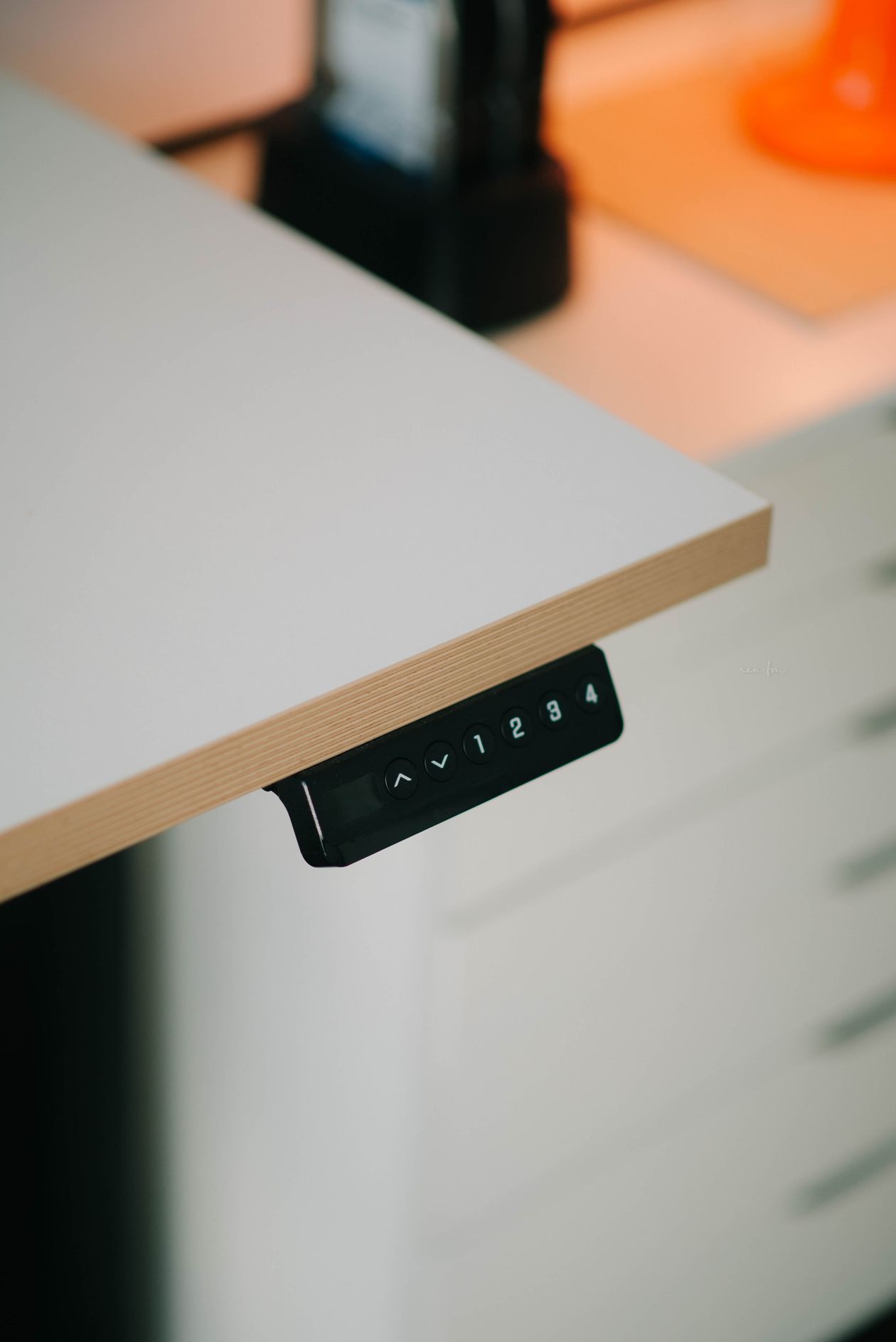
Standing desks reduce the total daily sitting time, which is beneficial for disc health and cardiovascular risk. However, standing in one place for hours creates its own problems: varicose vein risk, lower limb fatigue, and worsened pain for some types of back conditions. The benefit comes from alternating between sitting and standing every 20-30 minutes, not from replacing sitting with standing. An anti-fatigue mat, supportive footwear, and the movement break habit make a standing desk significantly more beneficial.
How often should I take breaks from sitting at a desk?
The most-cited guidance is to change position or stand for 5 to 10 minutes every 30 to 60 minutes of sitting. Prolonged sitting maintains the hip flexors and lumbar extensors in shortened positions and reduces blood flow to the intervertebral discs, which have no direct blood supply and rely on movement for nutrient exchange. After 40, the discs lose water content and become more vulnerable to sustained compressive loading, regular movement breaks are more important than in younger years. Setting a timer, using a standing desk for some tasks, or incorporating brief walking breaks is more effective than longer but infrequent breaks.
What desk chair features matter most for back pain?
Lumbar support that matches the natural curve of the lower back is the most important feature. Adjustable seat height so feet rest flat on the floor and knees are at 90 degrees is the second priority. Seat depth should be adjusted so there is 2 to 4 cm between the front of the seat and the back of the knee, seats that are too deep push the pelvis into a posterior tilt that flattens the lumbar curve. Armrests that allow the shoulders to relax rather than elevate reduce upper trapezius tension. An expensive ergonomic chair is not necessary if these basic adjustable features are present and properly configured, a poorly adjusted expensive chair is worse than a well-adjusted basic one.
About the author: Richard Hale is an independent health writer focused on mobility, joint health, and active aging research. He is not a licensed medical professional. All content on VitalMove40 is for educational purposes only and is not a substitute for advice from a qualified healthcare provider.